Projectors
18 products
Buying an engineering projector is not the same as buying a home projector. It has to cover a whole building facade, a water screen or an irregular surface — the work usually called projection mapping — and that is done with brightness, throw ratio and edge blending working together, not by picking the highest lumen figure on the badge. This page covers four decisions: brightness, throw distance, multi-projector blending, and outdoor installation. Every figure is read from our own product spec sheet and can be checked line by line.
1. First question: which lumen figure is that?
The same brightness gets written as two different numbers in our own spec sheet: standard lumens (the ISO 21118 figure) and centre brightness. Both sit on the same row:
| Tier | Standard lumens ISO 21118 figure, read from our own spec sheet |
Centre brightness | Display | Native resolution | Contrast |
|---|---|---|---|---|---|
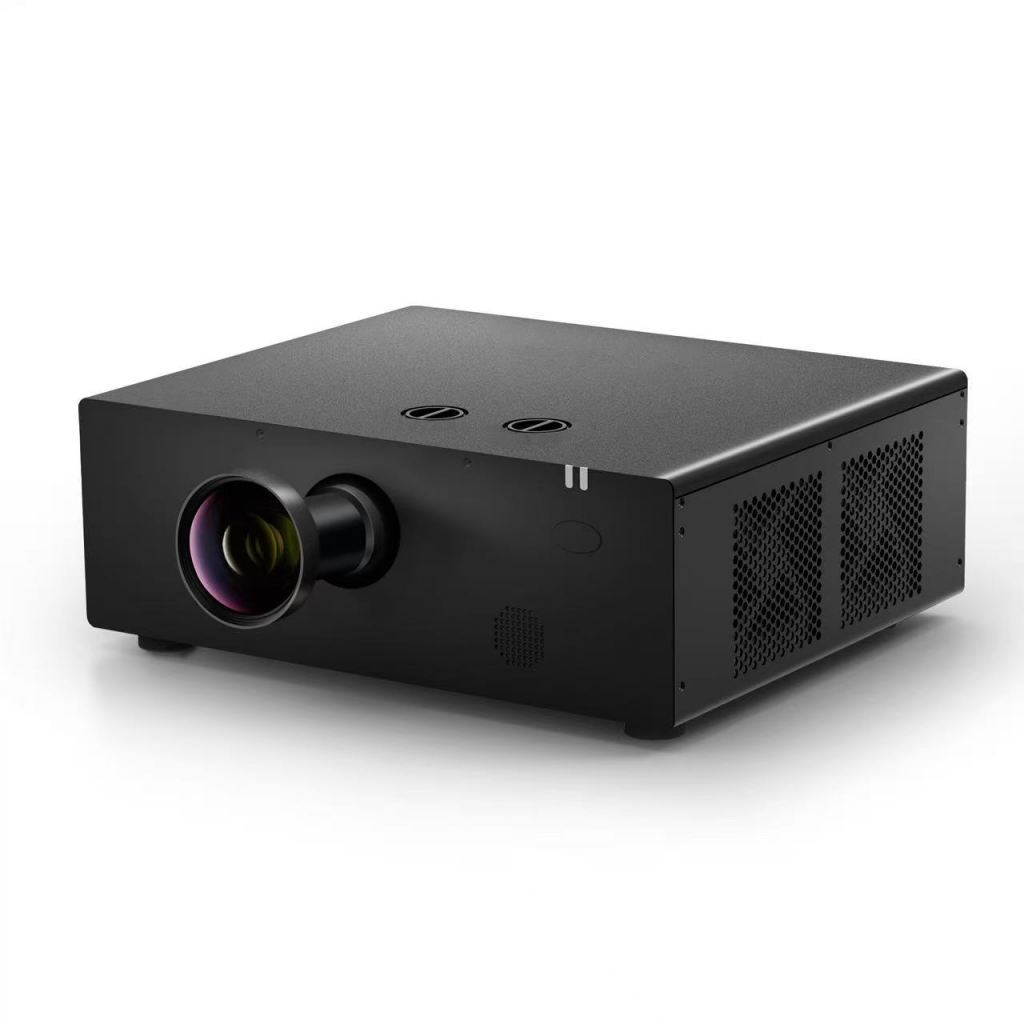
| Indoor short-throw | ≥4800 lumens | ≥5000 lm | 3LCD, ≥3×0.64″ | ≥1920×1200 | ≥6,000,000:1 |
| 6000-lumen engineering | ≥6000 lumens | — | 3LCD, ≥0.64″ | ≥1920×1200 (4K signal input) | ≥5,000,000:1 |
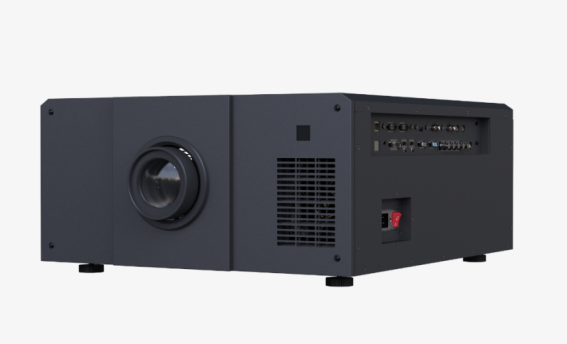
| 20000-lumen high-brightness | ≥20000 lumens | 25000 lumens (test report supplied) | 3LCD, 1.0″ | 1920×1200 | ≥5,000,000:1 |
So “a 20000-lumen projector” and “a 25000-lumen projector” may be the same machine — one figure is standard lumens, the other is centre brightness. That is exactly how the high-brightness row in our own spec sheet reads, and it notes that both brightness and uniformity come with a test report. Before comparing prices, ask which figure the other side is quoting, and whether there is a report — otherwise the two machines are not being measured with the same ruler. On a high brightness projector — and for a large venue projector this is the first question rather than the last — that is the whole comparison.
Tier spacing deserves the same plainness. Buyers search a brightness step every 500 to 1000 lumens from 4000 up to 50000, but our own product line is not that dense: the tiers we list are 10000, 16000, 20000, 25000 and 32000 lumens — what a buyer searches as a 10000 lumen projector, a 16000 lumen projector, a 20000 lumen projector, a 25000 lumen projector and a 32000 lumen projector respectively. The rows in our own spec sheet that carry full specifications are the 6000-lumen engineering tier and the 20000 / 25000-lumen high-brightness tier. Intermediate numbers (6300, 7000, 12000, 15000, 22000, 30000 and so on) should be read against the nearest tier here.
Resolution reads the same way. The native panel in our own spec sheet is 1920×1200 — what is sold as a WUXGA projector, or a 1920×1200 projector — and the 6000-lumen tier adds 4K signal input without changing the native panel. So a projector marketed on 4K here is accepting a 4K signal, not projecting a 4K panel.
2. Throw ratio decides how far back the projector has to sit
Throw ratio is throw distance divided by image width. Two figures from our own spec sheet: the indoor short-throw tier states 0.44:1, and the high-brightness tier takes interchangeable lenses covering 0.53–7.5:1, with powered focus, zoom and lens shift.
This decides whether the site works at all. For a 10 m wide image, the 0.44:1 projector has to sit 4.4 m back and the 7.5:1 lens has to sit 75 m back. On a building projection there is usually nowhere to put it 75 m away — so measure first: how much distance is there from the projector position to the surface, and how wide must the image be? Work back to a throw ratio, and only then pick a brightness tier. Get that order wrong and the projector you bought may not physically fit.
Two further items get missed: vertical and horizontal keystone correction of ±15°, and correction for curved, barrel and four- or six-corner surfaces — what a curved screen projection job runs on. Our own spec sheet lists both. When the projector cannot face the surface squarely, this is what saves the image — not shoving the rig into a better position.
3. Covering a big surface is a blending job, not a brightness job
When the image is larger than one projector covers, or has to follow an irregular structure, the method is projection blending — multi projector blending, in the shape most jobs buy it: several projectors each cover one section, geometric correction squares up the image, edge feathering hides the seams (that combination is what an edge blending system means), and a media server for projection sends the same frame to every projector at the same moment. Where the show runs several outputs, that box is a multi channel projection server rather than a single-output one.
One thing to be clear about up front: blending makes the image bigger, not brighter. Two projectors stacked on one image do not simply double the brightness, and if the overlap is not uniform the seam shows up as a bright band. That is why the “uniformity ≥85% (test report supplied)” line in our own spec sheet matters more than the brightness figure on a blending project.
Synchronisation needs one source and one timeline. Decide early whether the show is triggered from a lighting console over timecode or runs from a media server — the edge blending software on that server is where the warp and the feather are actually set, and changing it on site changes the whole playback design.
4. Outdoor installation: protection, thermal control, power
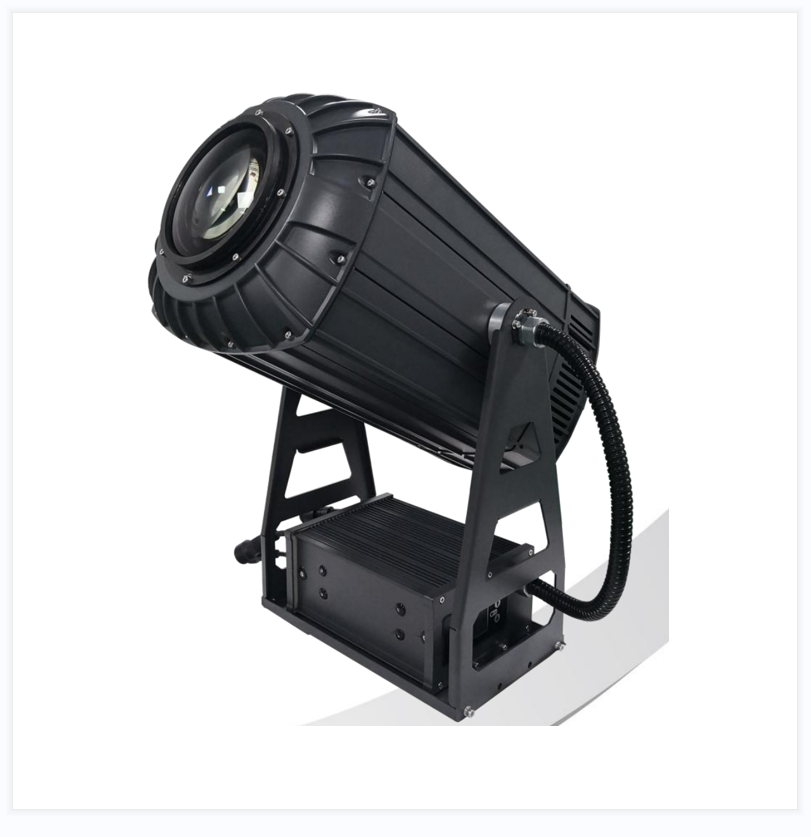
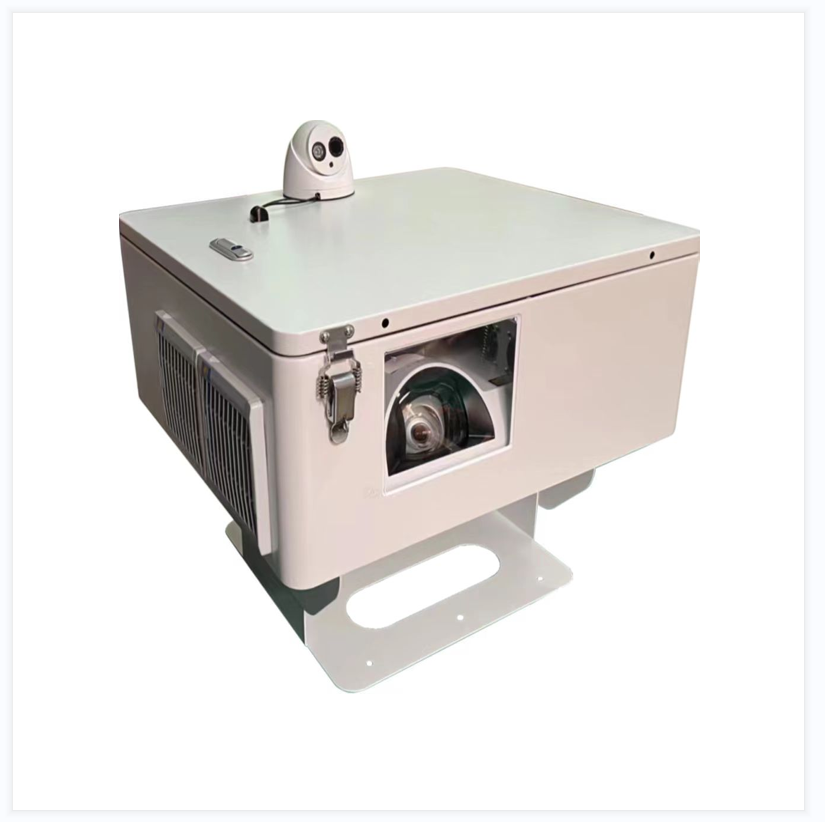
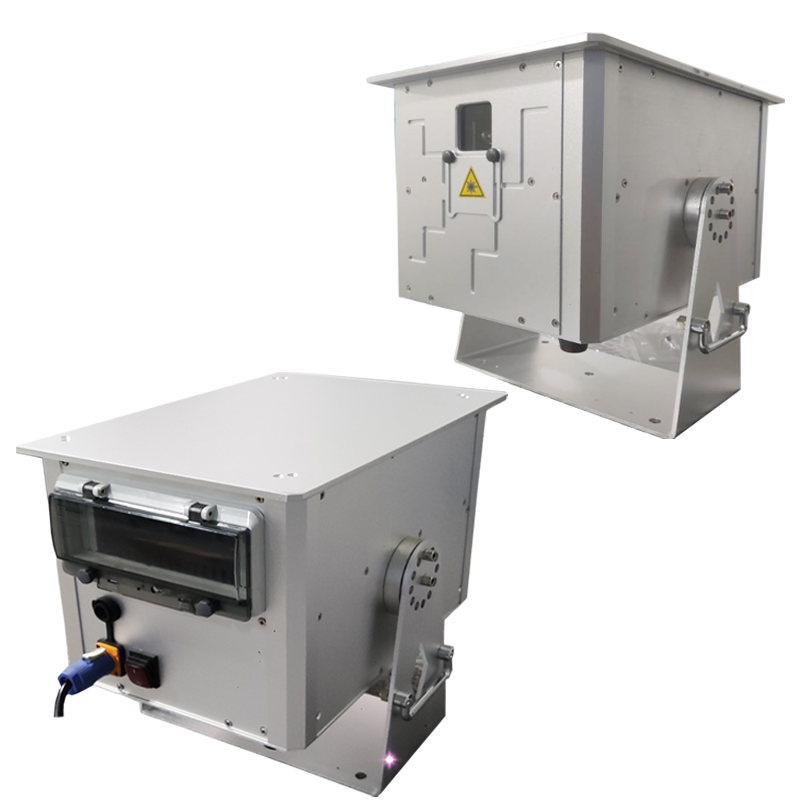
For an outdoor projector, the projector itself is only half the job; the other half is the outdoor projector enclosure it lives in. The projector weatherproof housing has to settle three things:
- Protection — rain and dust. In an enclosure the air intake and exhaust need a rain-proof path; a sheet of roofing over the projector is not that.
- Thermal control — laser light sources suffer from heat and from cold. Both the cabinet temperature and the projector’s intake temperature have to be managed. A cabinet in direct summer sun runs well above air temperature, and in a northern winter the issue is cold starting.
- Power — in our own spec sheet the 20000-lumen tier states ≤1530 W in standard mode and ≤0.5 W in standby. Budget 1.5 kW for one unit and six units is 9 kW, before cabinet cooling and the media server. That needs its own circuit.
At the specification stage these three are system decisions, not projector-line items — they are sized from the site’s dimensions and latitude, not chosen off a catalogue page.
5. Choosing by venue
- Night tourism projection and scenic area projection — several high-brightness units plus blending; synchronisation and uniformity are the constraints, and outdoors add the enclosure and thermal control.
- Architectural projection and facade projection (building and bridge) — fix the throw ratio from the available distance first (usually short-throw or an interchangeable lens), then the brightness; facades with windows and columns need geometric correction.
- Showrooms, museums, immersive spaces — mostly indoor tiers, driven by short throw and geometric correction; curved walls, domes and floor projection are all blending jobs.
- Auditoria, council chambers, halls — the 6000-lumen engineering tier; check keystone correction and whether there are enough inputs (multiple HDMI, network, HDBaseT).
- Water screen projection — the water itself scatters light, so brightness has to be sized from the screen area rather than from a normal throw distance.
6. What the price difference actually is
Six things move the number: the brightness tier (and whether the figure quoted is standard lumens or centre brightness), the resolution and whether 4K signal input is supported, the light source and its life (our own spec sheet states 20000 hours in normal mode and 30000 in eco, with another tier stating ≥30000 hours on a laser source, which is the laser projector option), the lens (fixed or interchangeable, throw-ratio range, powered or not), the correction capability (keystone, curved, barrel, multi-point), and on outdoor jobs the enclosure and thermal control. One more: on a blending project, budget the media server and the commissioning — those two are more likely to overrun than the projectors themselves.
Frequently asked questions
Q: Which lumen figure should two quotes be compared on?
A: Our own spec sheet states standard lumens as the ISO 21118 figure, and states the high-brightness tier as ≥20000 lumens standard with 25000 lumens centre brightness on the same row — with a note that both brightness and uniformity come with a test report. Ask for the figure and the report before the price; until they are agreed, two machines are not being measured with the same ruler.
Q: What does an outdoor projector installation need besides the projector?
A: An enclosure. Protection from rain and dust on the intake and exhaust, thermal control for both heat and cold, and its own electrical circuit: our own spec sheet states ≤1530 W in standard mode and ≤0.5 W in standby on the 20000-lumen tier, so six units are 9 kW before cabinet cooling and the media server. These are system decisions sized from the site, not catalogue items.
Q: Does multi projector blending make the image brighter?
A: No — blending makes the image bigger. Two projectors stacked on one image do not simply double the brightness, and an overlap that is not uniform shows up as a bright band across the seam. That is why the “uniformity ≥85% (test report supplied)” line in our own spec sheet matters more than the brightness figure on a blending job.
To get a configuration
Send us the image size (width × height), the furthest distance the projector can sit back, indoor or outdoor, whether the surface is flat or curved/irregular, how many units will run together, and whether a media server is involved. That is enough to work out the throw ratio and the brightness tier, and come back with a configuration instead of a guess.